
Should Employees Use Personal Devices for Work?
Summary: Allow personal devices only for approved work, through approved apps, and when the device meets your security requirements. Use company-owned devices for administration, sensitive
Summary: Allow personal devices only for approved work, through approved apps, and when the device meets your security requirements. Use company-owned devices for administration, sensitive

Administrator access often starts with one request. An employee needs to install a printer, update a specialist program, or change a setting on their computer.
Giving them administrator access gets the job done. The problem is that the access usually stays after the request has been completed.
From then on, the employee can approve other software installations and make changes that would normally require help from IT. If they install the wrong program or someone takes control of their account, those permissions can also be used to change the computer.
For everyday work, employees should use standard accounts. Administrator access should be kept for tasks that require it.
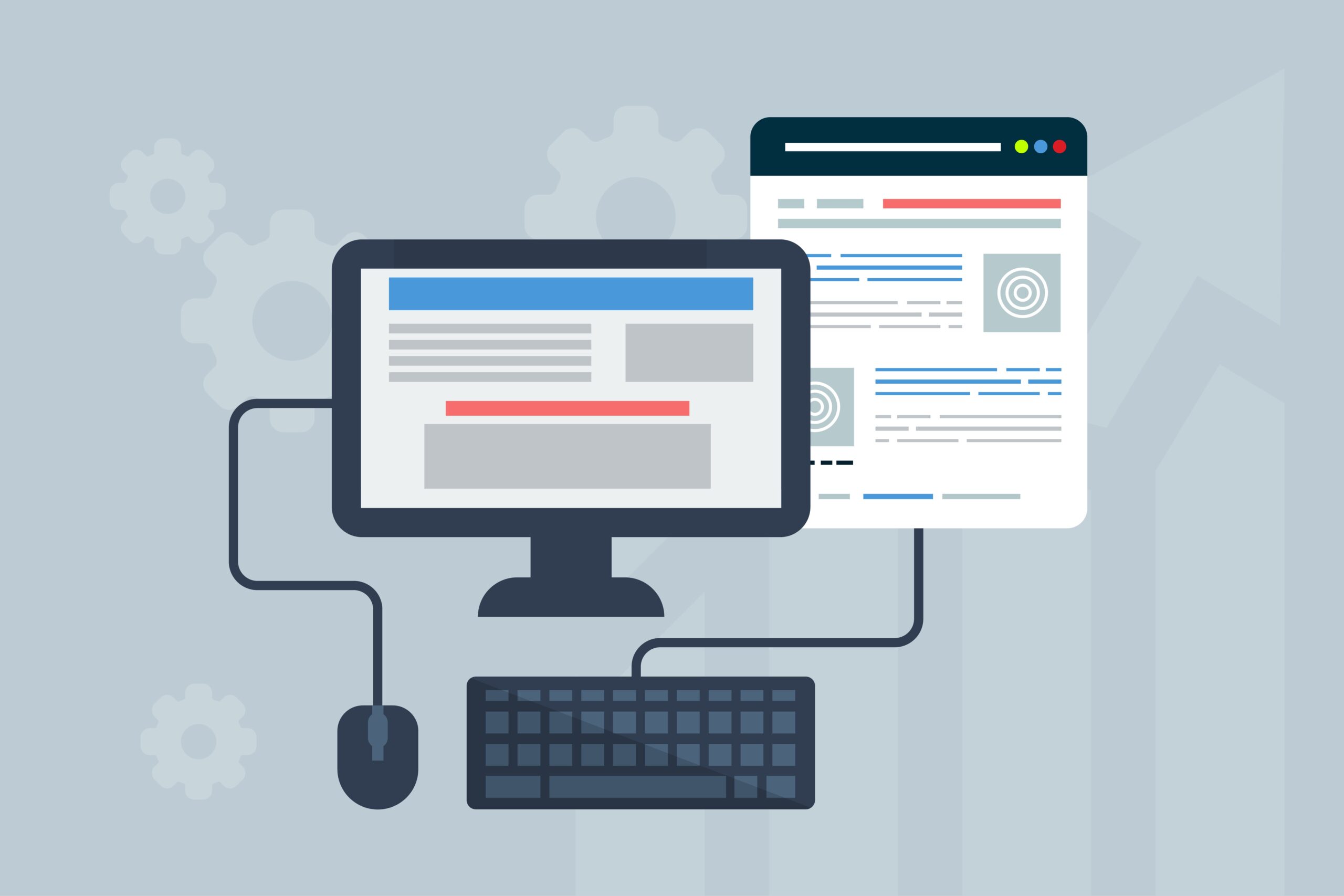
Your website is one of those things you set up once and then stop thinking about. It sits there doing its job, so there’s no reason to touch it. That’s exactly why a neglected website is one of the common ways a small business gets hacked.
Most small-business sites run on WordPress, which powers more than 40% of all websites, according to W3Techs. WordPress itself is solid. The risk is usually the plugins and themes added to it, which often don’t get updated for years.
When you search Google for a program to download or a website to log into, the first thing result on Google you see is usually an ad. It sits at the top, marked “Sponsored,” and most people click it without a second thought, because the top result is normally what you wanted.
Scammers count on that. They buy ads on the names of trusted companies and popular software, so their fake site appears right at the top, above the real one, and you click it thinking it’s the official page.
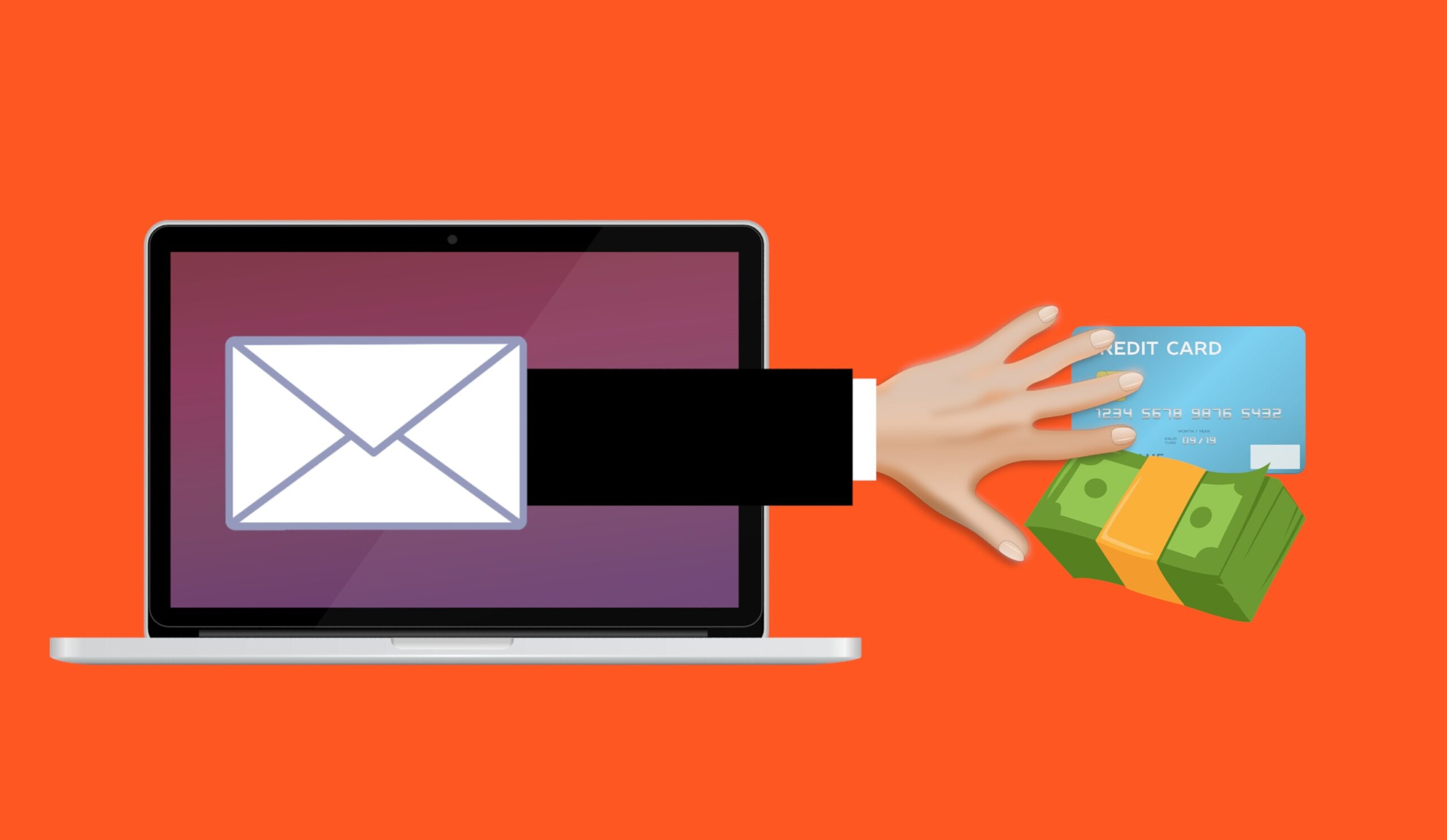
For years, the advice for spotting a scam email was simple: look for bad spelling and clumsy grammar. A real bank or supplier writes properly, the thinking went, so a message full of mistakes was probably fake. It was easy to teach, and for a long time it worked.
It doesn’t anymore. Scammers now use AI to write their emails, and AI writes cleanly. The typos and awkward phrasing that used to give phishing away are gone, and the messages landing in your team’s inbox read as well as anything from a real company. Worse, they can be written to sound like they came from someone you already know.

Article Summary: A passkey lets you sign in to an app or website using the same fingerprint, face, or PIN you use to unlock your phone or laptop, with no password to type. It’s built on a security standard called FIDO that can’t be phished, because the passkey only works on the real site and there’s no password to steal or reuse. Most major platforms and a growing list of business tools support passkeys, and Microsoft 365 includes them at no extra cost. For most businesses, it’s worth starting to roll them out, beginning with the most sensitive accounts.
Passwords are the weak point in most businesses.
People reuse them across accounts, write them on sticky notes, and type them into convincing fake login pages without realizing it.
Passkeys are the technology built to replace passwords, and they fix the parts that cause the most trouble.
A passkey lets you sign in with the same fingerprint, face scan, or PIN you already use to unlock your phone or laptop. There’s no password to type, so there’s nothing for an attacker to steal, guess, or trick out of you.
Article Summary: Email spoofing is when a scammer sends a message that appears to come from your domain, often to trick your clients or staff into paying a fake invoice or changing banking details. Three DNS records (SPF, DKIM, and DMARC) prove that a message really came from you and tell receiving mail servers to reject the ones that didn’t. The catch is that DMARC only protects you once it’s set to “quarantine” or “reject,” and a lot of businesses leave it on “none,” which monitors but does not block.
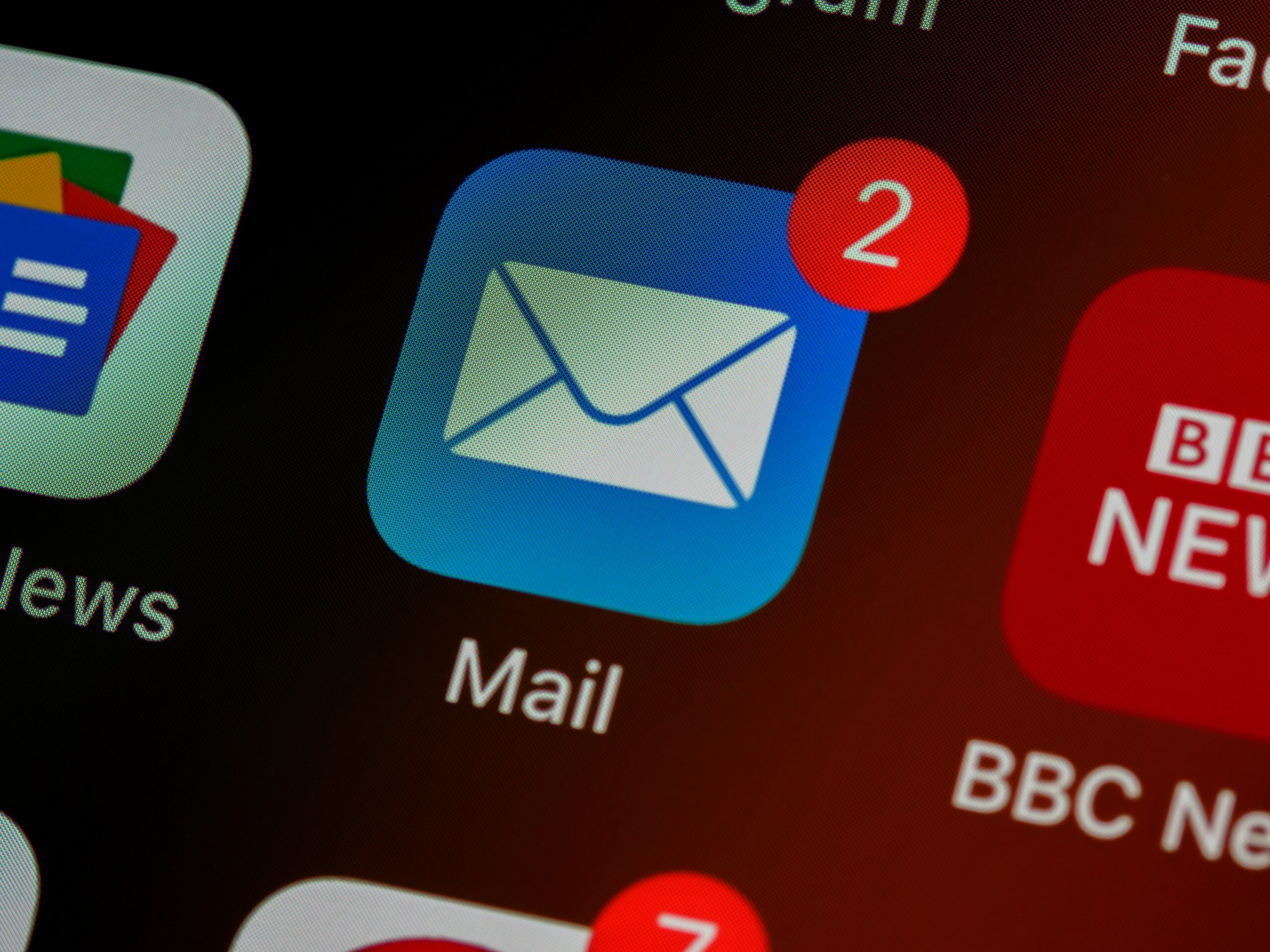
Right now, with no special tools, someone could send an email that looks like it came from your company.
The From line would show your domain, your logo could be pasted into the message, and it could ask one of your clients to pay an invoice or update banking details. This is called email spoofing, and it is one of the most common ways fraud against your clients and suppliers begins.
There are three settings you can add to your domain that make this much harder to pull off.
They’re called SPF, DKIM, and DMARC.
Most businesses have one or two of them set up and the third missing.
That’s usually all it takes to let a spoofed email through. This post explains what each one does, the setting most businesses get wrong, and how to check your own domain.
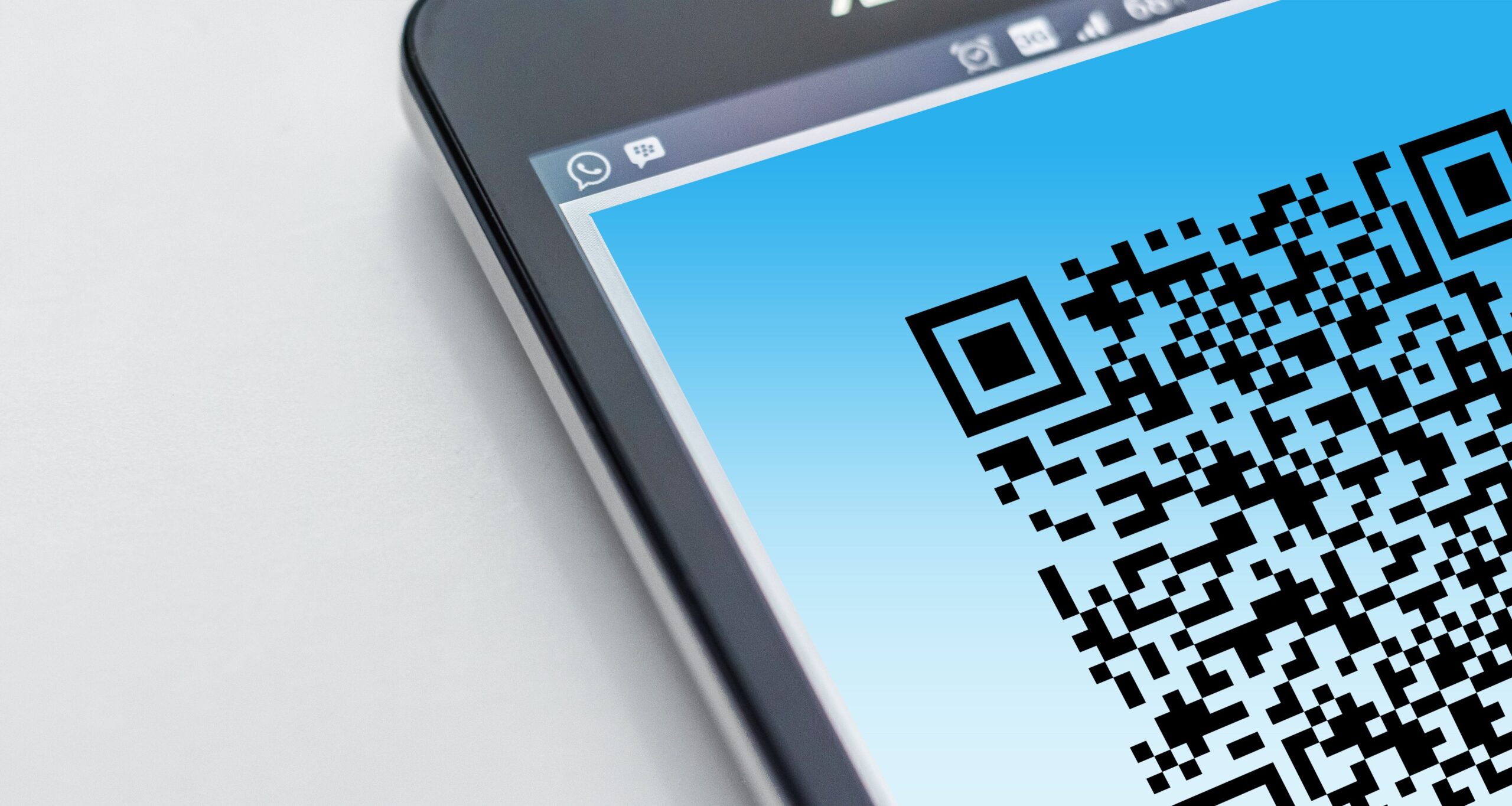
Article Summary: QR code scams, sometimes called quishing, hides a malicious web link inside a QR code. Because the link is buried in an image instead of written as text, it slips past the email filters that normally catch bad links, and scanning the code usually moves the victim onto a personal phone that sits outside the company’s security. Microsoft reported a 146% rise in QR code phishing during the first quarter of 2026.
QR codes are part of normal business now.
You scan them to see a menu, pay for parking, connect to Wi-Fi, or open a shared document.
Attackers know that, and they have started hiding malicious links inside QR codes to get past the security tools that would normally catch a bad link in an email.
The technique has a name, quishing, and it works because a QR code is just an image.
Your email filter reads text, so a link encoded into a QR code can pass straight through. When you scan it, you usually do so on your phone, which sits outside most of the protection your work computer has.
This post covers what a QR code scam is, why it gets past your security, what the common ones look like, and the habits that protect your business.
Small businesses are the most common ransomware target by volume of incidents, even though many small business owners assume hackers focus on larger organisations. A 22-person company has enough revenue to be worth attacking, no dedicated security team to defend it, and a publicly traceable footprint that takes about an hour to research.
What follows is a step-by-step walkthrough of how a small business gets attacked, written from the attacker’s side. The company in this account is composite, but the methods are accurate to current threat intelligence reporting. After the walkthrough, you’ll see five specific points where the attack would have been stopped by controls that come bundled with security tools most small businesses already pay for.
Most cyberattacks do not start with a sophisticated intrusion. They start with a click on a personal email, a reused password, or a file uploaded to a familiar cloud service because the approved option felt slower.
The Verizon Data Breach Investigations Report found that 68% of breaches involve the human element.
Not a zero-day exploit. Not a brute-force attack on a hardened system. Human habits, in the course of an ordinary working day.
For businesses running cloud-based workflows across multiple devices, the personal and professional overlap is now the rule. Understanding where that overlap creates risk is no longer optional. It is a core part of modern security strategy.