Microsoft

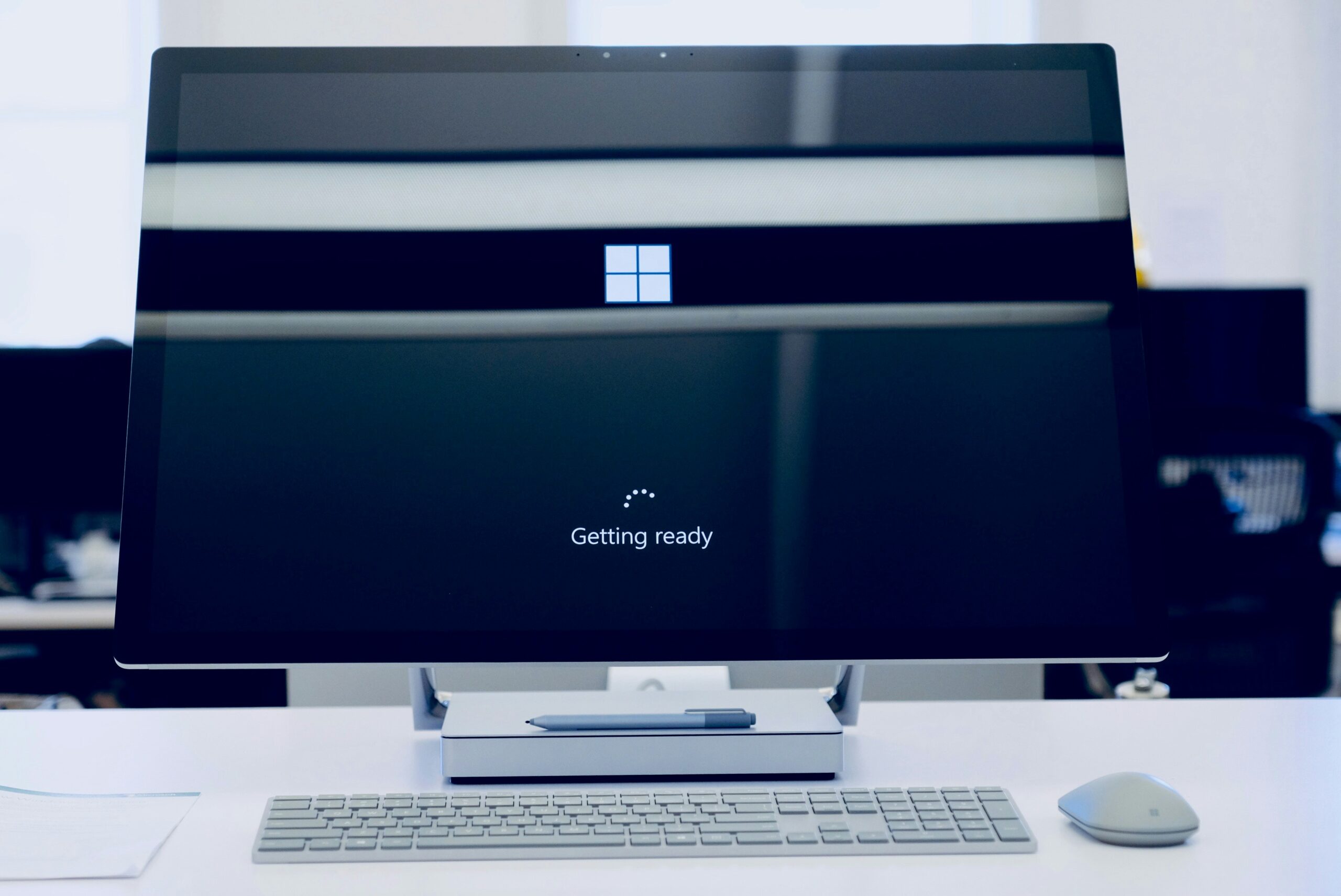
Still on Windows 10? Here's Why You're Putting Your Business at Risk

Still on Windows 10? Here’s Why You’re Putting Your Business at Risk

Article Summary: Windows 10 reached the end of Microsoft support on October 14, 2025, which means it no longer gets security updates. The computers still work, but any new flaw found in Windows 10 will never be fixed, which makes them easier to attack and can cause problems with compliance and cyber insurance. You have three options: upgrade eligible PCs to Windows 11 for free, pay for Extended Security Updates as a short-term bridge, or replace machines too old to upgrade.

Microsoft stopped supporting Windows 10 on October 14, 2025.

If your business is still running it, and plenty are, your computers aren’t getting security updates anymore.

Everything still turns on and works like normal, which is exactly why it’s easy to put off doing anything about it. The trouble is, the longer you stay on Windows 10, the more security holes pile up that nobody is ever going to fix.

So what does it mean for your business, and what are your options?

There are three: upgrade to Windows 11, pay for extended updates to buy some time, or replace the machine.

Read More »
5 Microsoft 365 Settings Worth Checking in Your Tenant

5 Microsoft 365 Settings Worth Checking in Your Tenant

Microsoft has tightened several default settings in Microsoft 365 over the past few years. Newer tenants get more protection out of the box than tenants set up before 2022 or so. The problem is that legacy configurations stay in place. A setting changed for new tenants in 2024 doesn’t retroactively change in yours, and historical user consents, inbox rules, or sharing links granted before the change are still active.

Here are five settings worth checking in your tenant, especially if it’s more than two or three years old, was set up by a previous IT provider, or has not been audited in a while.

A few caveats before we start. Some of these settings require Microsoft 365 Business Premium, E3, or E5 licensing to change, so if a toggle is grayed out, your license tier is most likely the reason. A couple of these changes will generate support tickets from your team because they change how something already works. None of them need to be flipped all at once.

Read More »
Beyond Licensing: How to Stop Wasting Money on Your Microsoft 365 Security and Copilot Add-Ons

Beyond Licensing: How to Stop Wasting Money on Your Microsoft 365 Security and Copilot Add-Ons

Microsoft 365 is a powerful platform that helps a business in many ways. It boosts collaboration and streamlines operations, among other benefits. However, many companies waste money on unnecessary licenses and features that are not fully used. 

Fortunately, you can avoid this waste and take your business to the next level by adopting smarter use of M365 security and Copilot add-ons. This article will provide practical insights, help you avoid costly mistakes, and support you in making informed decisions that fit your business objectives.

Read More »
10 Tips to Get the Most Out of Your Microsoft 365 Apps

10 Tips to Get the Most Out of Your Microsoft 365 Apps

Microsoft 365 is a strong set of tools created to make working together and staying safe easier on many devices and systems. It has well-known programs like Word, Excel, PowerPoint, and Outlook, as well as new ones like Teams and OneDrive. With its powerful features and cloud-based services, Microsoft 365 gives businesses a complete way to organise their operations and boost communication. This post will talk about ten important tips that will help you get the most out of your Microsoft 365 apps.

What Are the Key Features of Microsoft 365?

Microsoft 365 isn’t just a bunch of office programs; it’s a whole ecosystem that helps people work together, control their data, and stay safe. Some of the most popular tools and features include: 

Teams 
OneDrive
Excel 
Word 
Power Apps 
Planner 
Forms

Read More »
Copilot in Teams - New Features, Agents & More

Copilot in Teams – New Features, Agents & More

Microsoft Teams continues to evolve. It is a powerful hub for collaboration and communication in the modern workplace. With the integration of AI-driven Copilot, Teams is pushing the boundaries. It’s innovating how we interact with technology to streamline workflows. As well as improve productivity and unlock new business value.

Recent updates to Copilot in Teams include:

Enhanced agent capabilities

Smarter AI interactions

Extra features to support teams in accomplishing tasks more efficiently

We’ll explore the latest updates to Copilot in Teams, including new features and intelligent agents as well as how these innovations can transform how your business opera

Read More »
Essential Settings to Maximize Your Microsoft 365 Experience

Essential Settings to Maximize Your Microsoft 365 Experience 

Microsoft 365 is a powerful suite of tools. It helps to enhance productivity and collaboration. This is especially true for small to mid-sized businesses (SMBs). But to get the most out of Microsoft 365, it’s important to optimise its settings. Otherwise, you may only be using a fraction of the power you have.

Ready to get more from your M365 business subscription? This blog post will guide you through essential settings to power up your use of Microsoft 365.

Read More »
Windows 10: The Final Countdown – It's Time to Upgrade Your PC

Windows 10: The Final Countdown – It’s Time to Upgrade Your PC

Windows 10 has served us well. But its time is running out. Microsoft plans to end support for Windows 10 on October 14, 2025. This means no more security updates, no more patches, and no more support. 

It’s time to upgrade to Windows 11. This is especially true for business users with many systems to check and upgrade. This change isn’t just about getting new features. It’s about ensuring your PC stays secure, fast, and capable.

Read More »
Hot off the Digital Presses… Learn About Microsoft Copilot for Finance

Hot off the Digital Presses… Learn About Microsoft Copilot for Finance

Microsoft Copilot has been heading up the business AI charge. It’s used in Word, Excel, Edge, Windows, and more. This genAI-powered app is also showing up in
various function-related activities. The latest of which is finance processes.

Microsoft Copilot for Finance is a game-changer. It injects the power of next-generation AI into the heart of your everyday workflow. Imagine having an AI companion that understands the intricacies of finance as well as collaborates seamlessly with you.

It can help a seasoned financial analyst or a curious learner. It automates repetitive tasks and provides real-time insights. Copilot is poised to revolutionize how we navigate the fiscal realm.

Read on to see why this innovative tool should be on your financial radar.

Read More »
4 Ways Small Businesses Can Leverage Copilot for Microsoft 365

4 Ways Small Businesses Can Leverage Copilot for Microsoft 365

What are some of the key differentiators that can propel small businesses forward? They include efficiency, productivity, and innovation. Microsoft has expanded the availability of one of its most dynamic tools to SMBs. A tool that can be a real game-changer for growth.

Copilot for Microsoft 365 is a powerful new addition to the M365 suite. It was first offered to enterprise customers only. But Copilot is now open to businesses of all sizes. As long as they have Microsoft 365 Business Standard or Business Premium.

Microsoft has positioned Copilot to revolutionize the way SMBs work. This innovative AI tool empowers users to generate creative content. It also streamlines workflows and unlocks new levels of productivity.

Read More »
Introducing the New Microsoft Planner (Everything You Need to Know)

Introducing the New Microsoft Planner (Everything You Need to Know)

Calendars, task lists, and project planning are important business tools. Many people use Microsoft’s apps to power these processes. Including Planner, Microsoft To Do, and Project for the web.

These tools help keep processes on track and enable task accountability. But they’re separate apps. Switching between apps can be cumbersome. It adds more complexity to a workflow.

On average, employees switch between 22 different apps 350 times per day.

Microsoft is putting a dent in app overload. The company is rolling out a brand-new version of Microsoft Planner in early 2024. It’s packed with exciting features designed to simplify your project management journey.

Read More »

Looking for something else? You can navigate through our menu or use this search bar:

Search